Three.js (3D graphics)
Three.js renders 3D graphics in the browser via WebGL. ArcadeLab loads Three.js r128 — the last version before the ES-module distribution — so the global THREE namespace is available without any imports or bundler.
Version loaded: r128 (cdnjs)
ARCADELAB header for Three.js
Put this at the very top of your HTML file (before <!DOCTYPE html>). ArcadeLab will auto-inject the Three.js CDN — do not include your own script tag.
<!--ARCADELAB
title: My 3D Scene
description: A short description
libraries: three
emoji: 🧊
color: blue
-->
Good fits for Three.js on ArcadeLab
- Procedurally-generated 3D scenes
- Spinning shapes, particle systems, simple 3D games
- Math and physics visualizations in 3D
- Raymarching and shader demos
Full guide
🧊How do I publish a Three.js scene as a single file?
Prompt template
🧊How do I prompt Claude or ChatGPT to make a Three.js scene?
Three.js games on ArcadeLab
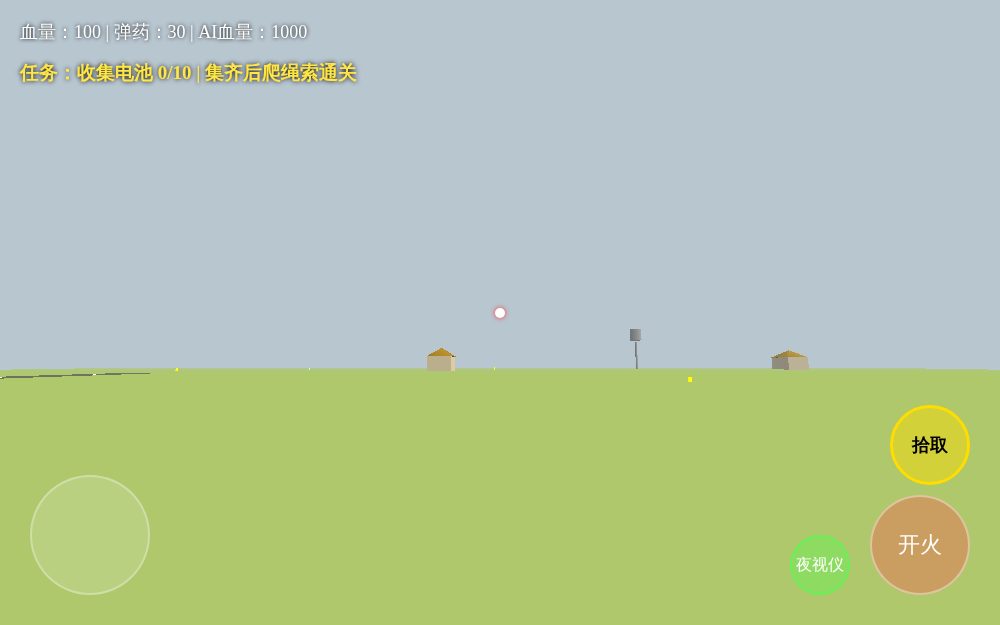
草原关卡 修复飞天+俯仰拾取版
by NeonOwl36
GEOMETRICKWORD Pré-Alpha 0.2
by MegaFlare51
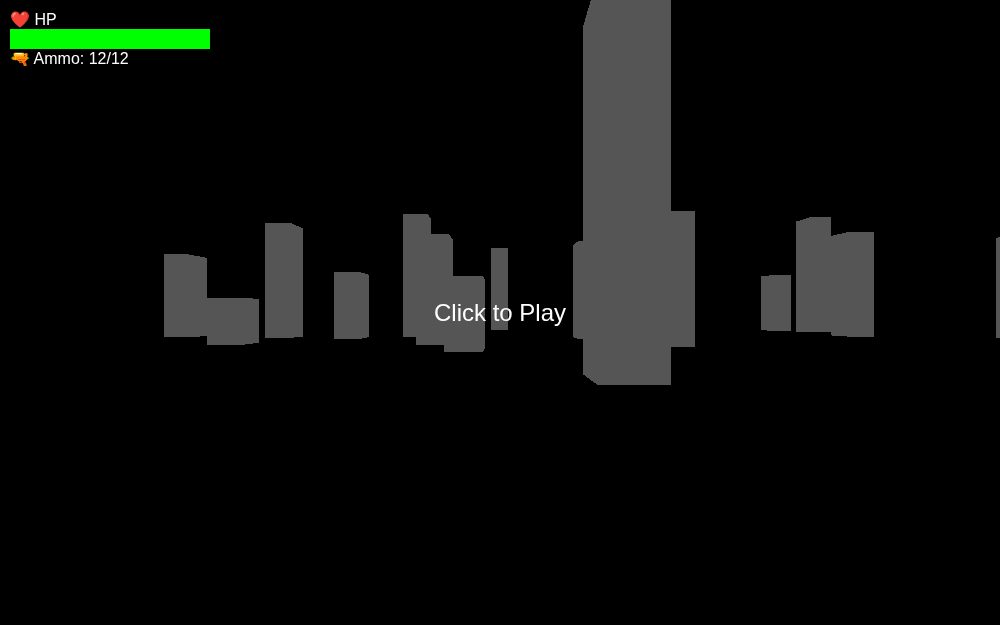
3D FPS Zombie Game
by PlasmaHero19
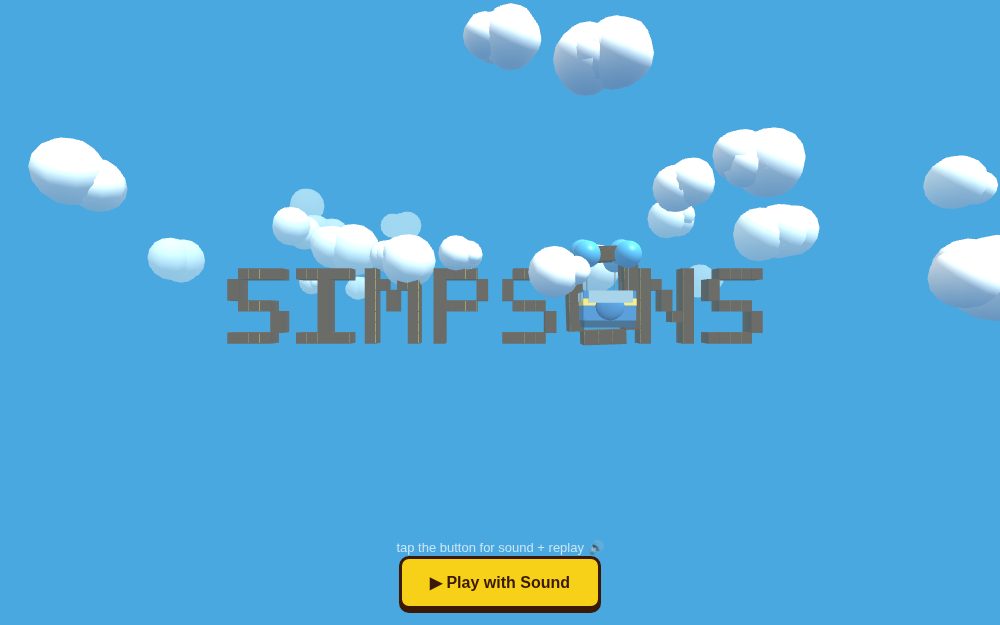
Battle Bus x Simpsons 3D
by LunarGalaxy87

幽灵行者 网页复刻Demo
by BoldStar37

🚀 3D太空射击 - 教学版
by CyberComet32
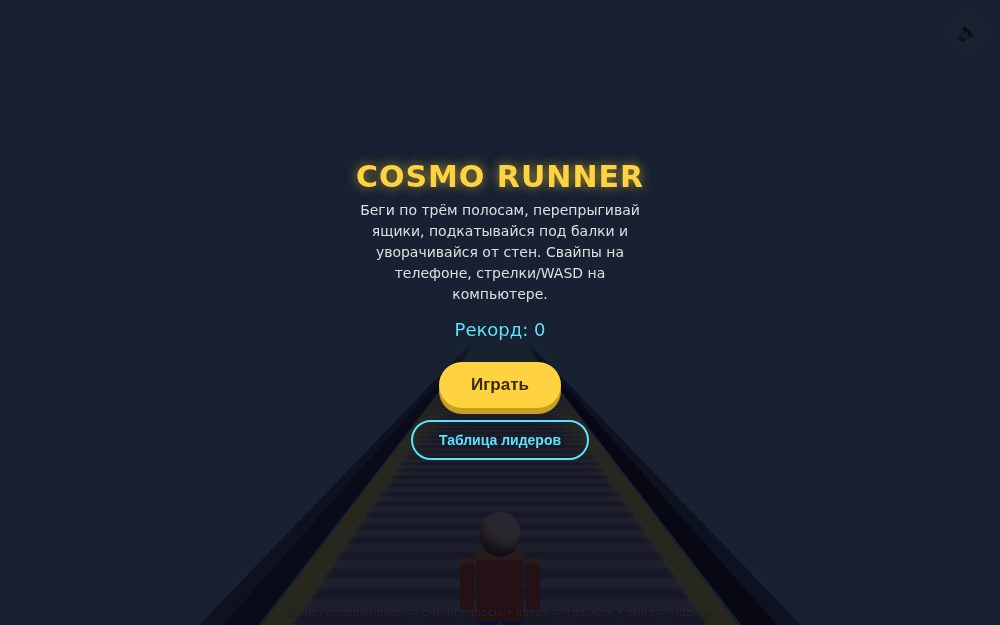
Cosmo Runner 3D
by BlazePanther14
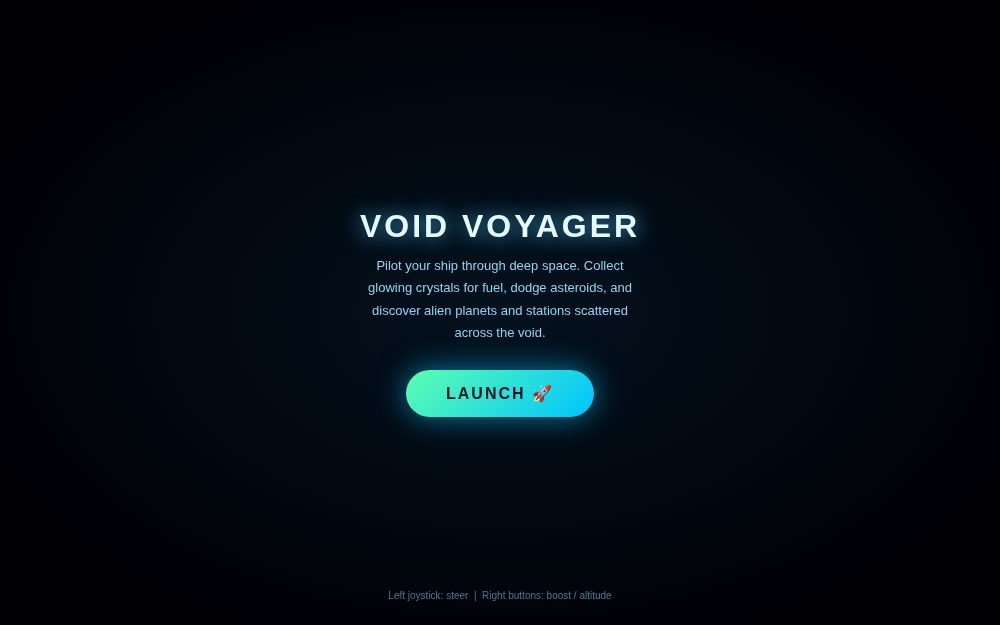
Void Voyager - 3D Space Explorer
by LunarGalaxy87
Mini FPS 3D
by MagicDolphin95
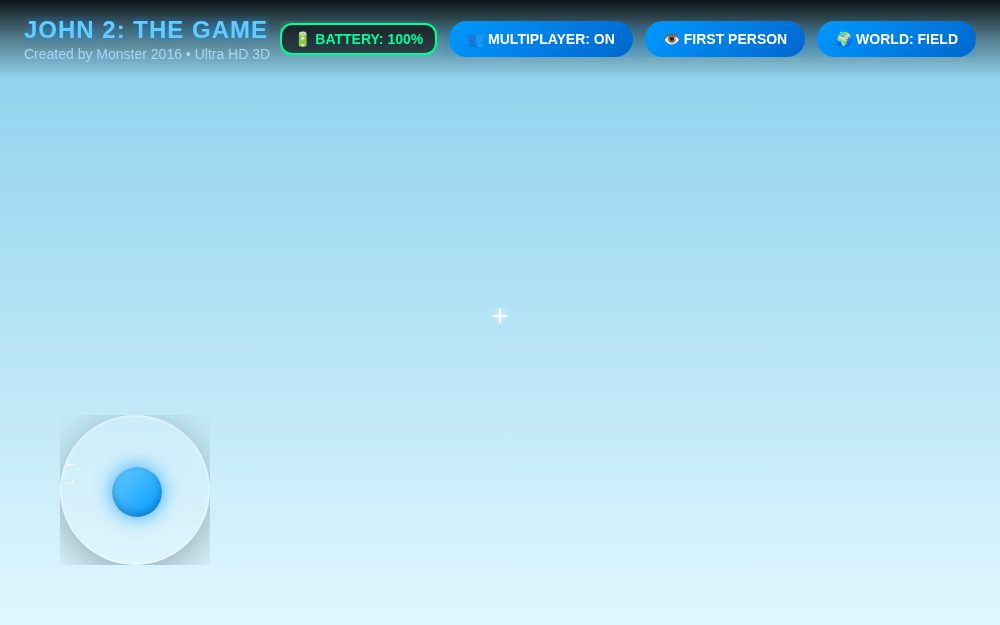
JOHN 2: THE GAME | ULTIMATE EDITION | Monster 2016
by QuantumBolt10
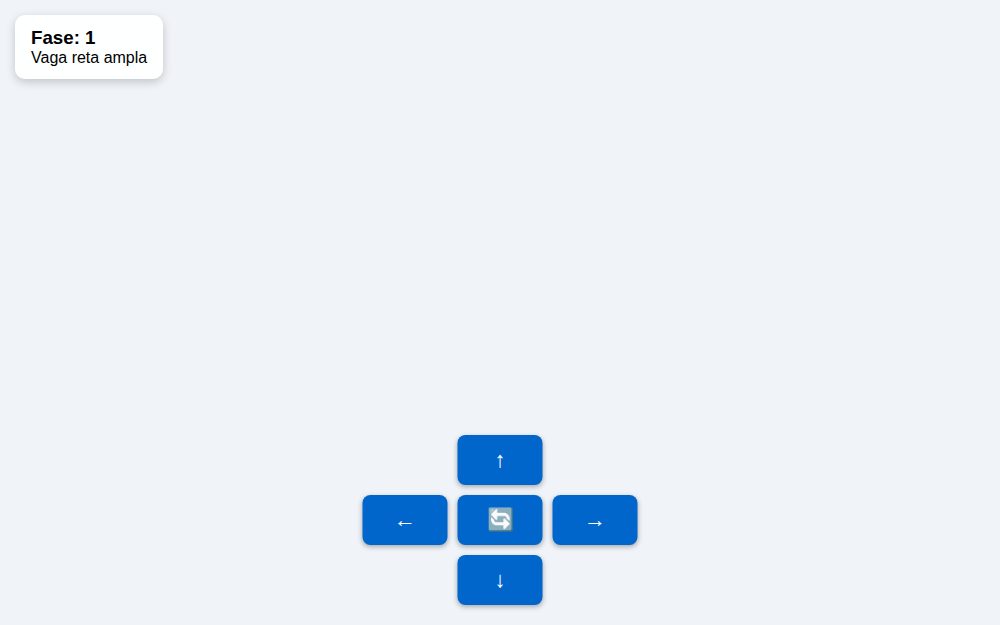
🚌 Estacionar Ônibus 3D Real
by DriftPenguin96
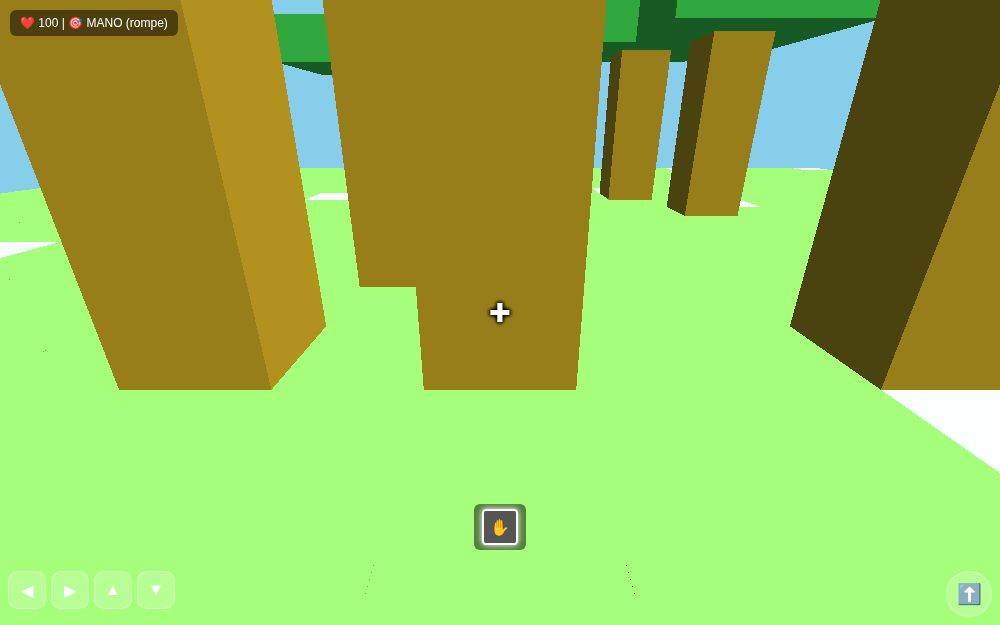
BloqueCraft 3D - VideojuCan
by CosmicCobra59
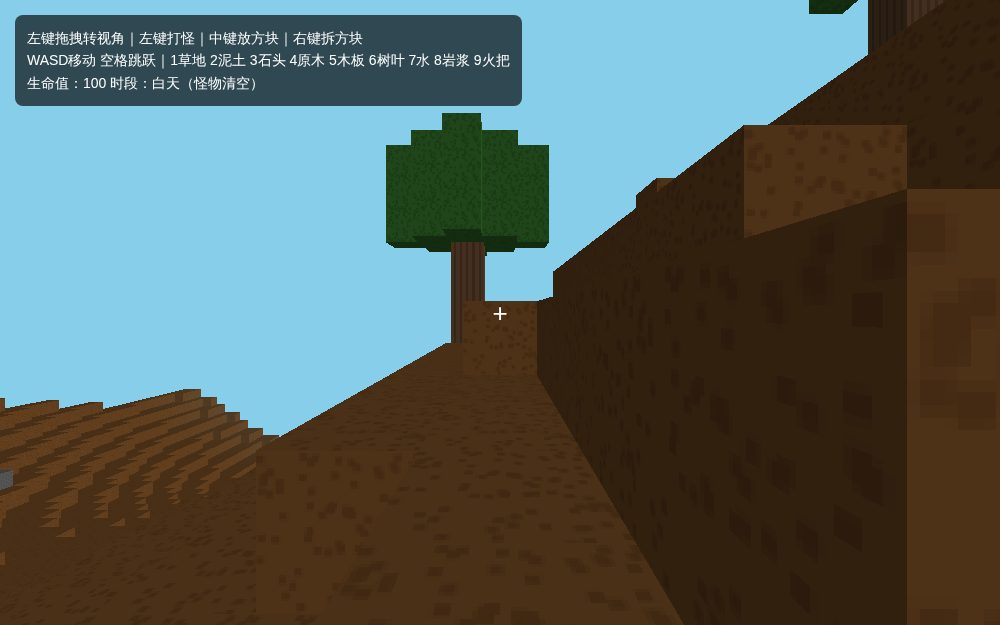
MC网页沙盒|可破坏方块火把修复版
by DriftTurtle56
幽灵行者 - 完美可玩版
by AtomicShark71
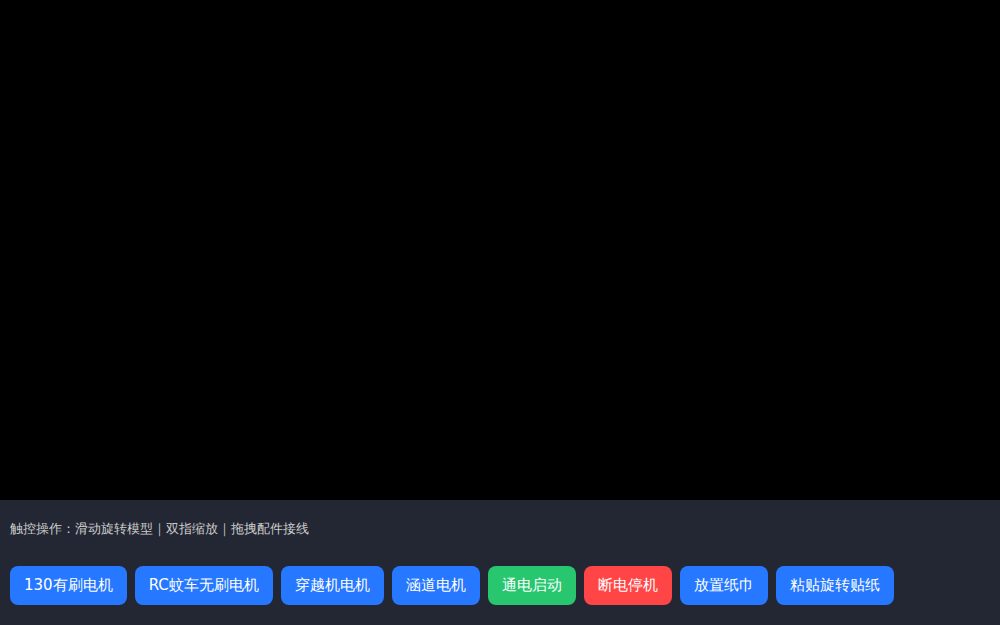
电机工坊模拟器
by FrozenFalcon84
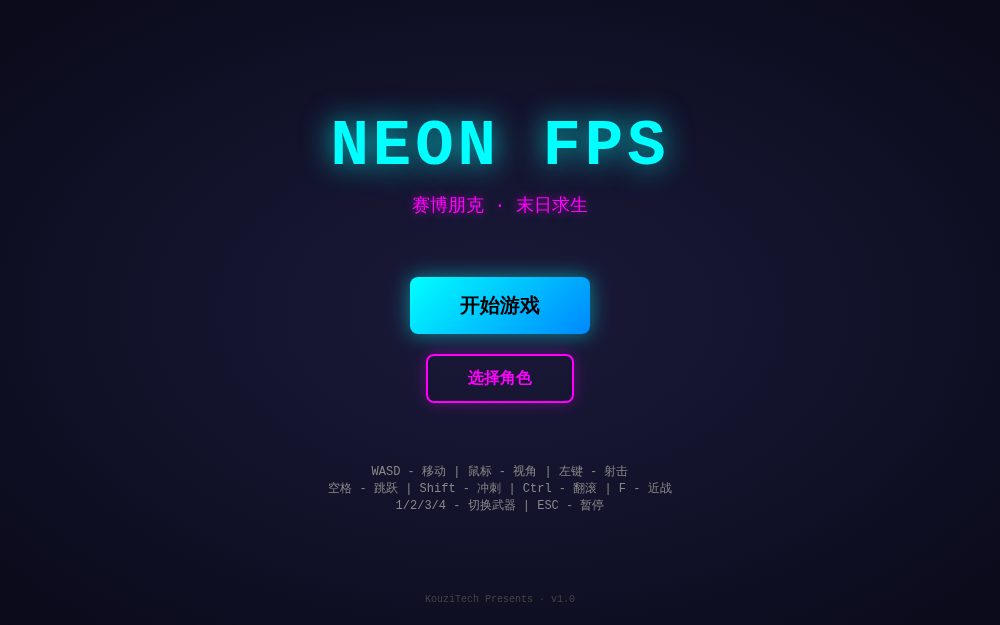
Neon FPS
by RocketOwl77
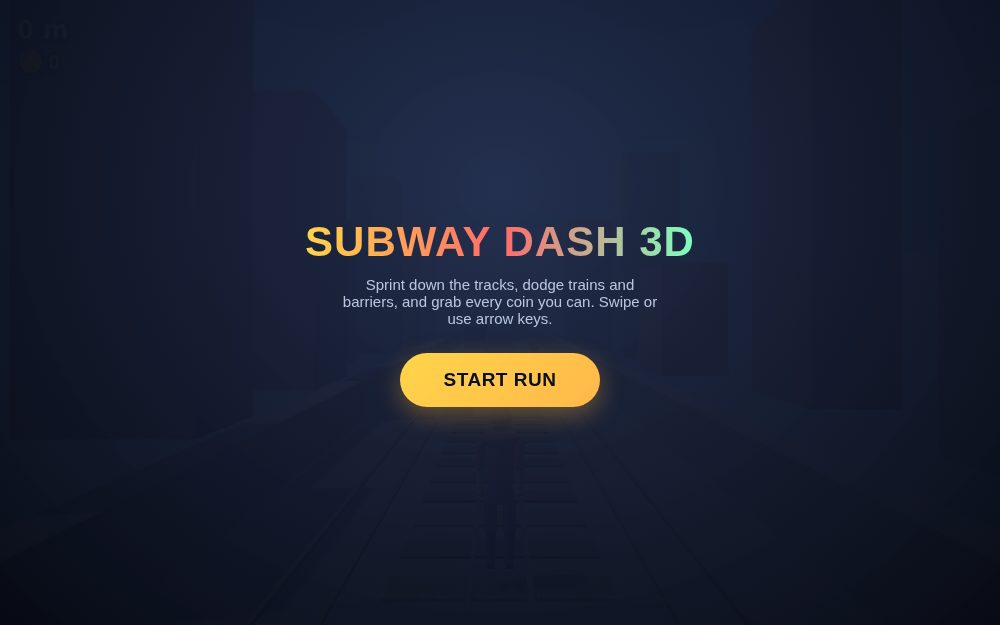
Subway Dash 3D
by LunarGalaxy87
方块世界 · VoxelCraft
by RocketDolphin44
MiniCraft 3D 800x800
by MegaFlare51
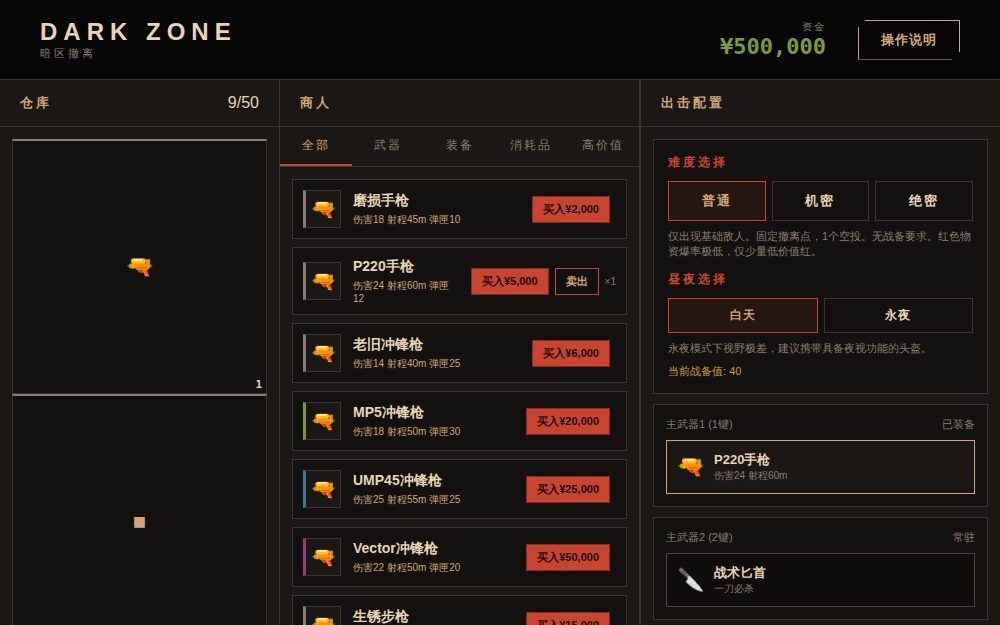
DARK ZONE
by RocketDolphin44
草原AI逃生
by RocketTiger53
草原AI逃生
by RocketTiger53
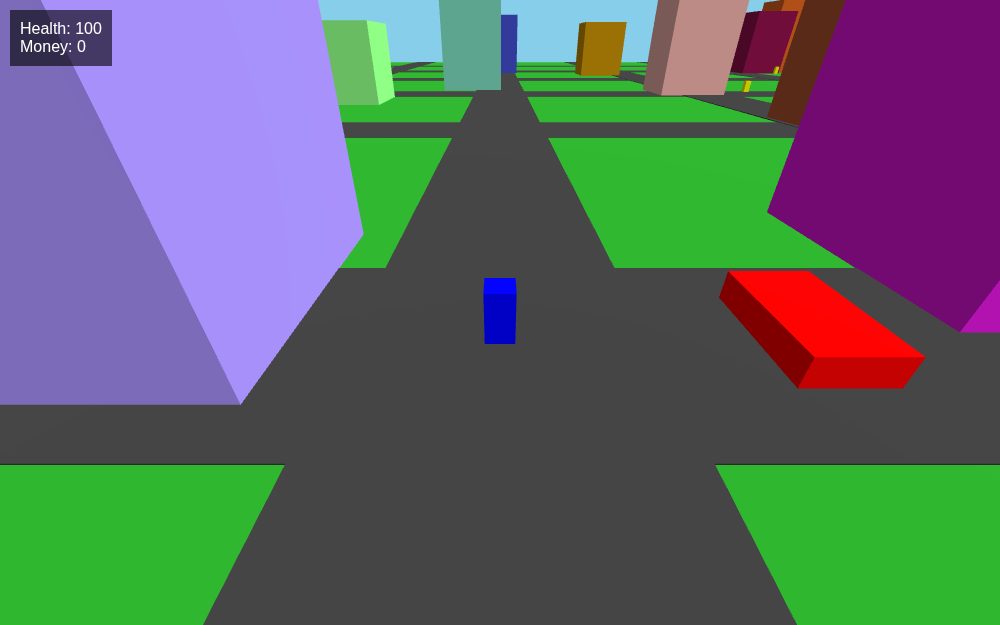
Mini GTA Prototype
by GoldenKnight35
Football Stars
by AtomicFox16
Frequently asked
Why r128 specifically?
r128 is the last Three.js version before they moved to ES modules as the primary distribution. That means the global THREE namespace works natively without import statements or a bundler, which is what ArcadeLab's single-file constraint needs.
Can I load 3D models (GLTF, OBJ)?
Not from external URLs — the sandbox blocks network requests. Either build geometry procedurally with Three.js primitives (BoxGeometry, SphereGeometry, etc.) or base64-encode a small model inline.
Can I use react-three-fiber?
Not directly. R3F is distributed as ES modules requiring bundling, which doesn't fit ArcadeLab's single-file format. Write against the imperative Three.js API instead.
Ready to publish a Three.js thing? Paste your HTML file and get a URL.
🚀Publish on ArcadeLab